Why Duda's Video Training Page Isn't Good Enough (And How to Make Your Own)
Duda has a fantastic library of training videos covering everything from editor basics to eCommerce setup. They're well-produced, focused, and genuinely useful. It's one of the best training resources any website builder offers.
The problem isn't the content - it's finding it.
All the videos live on a single page at videos.multiscreensite.com with no search, no categories, and no way to filter. Duda built this with the best intentions, and they keep adding to it - which is great. But as the library has grown, the most valuable and practical videos have ended up further and further down the page and for anyone searching for something specific there is no easy way.
What It Looks Like Now
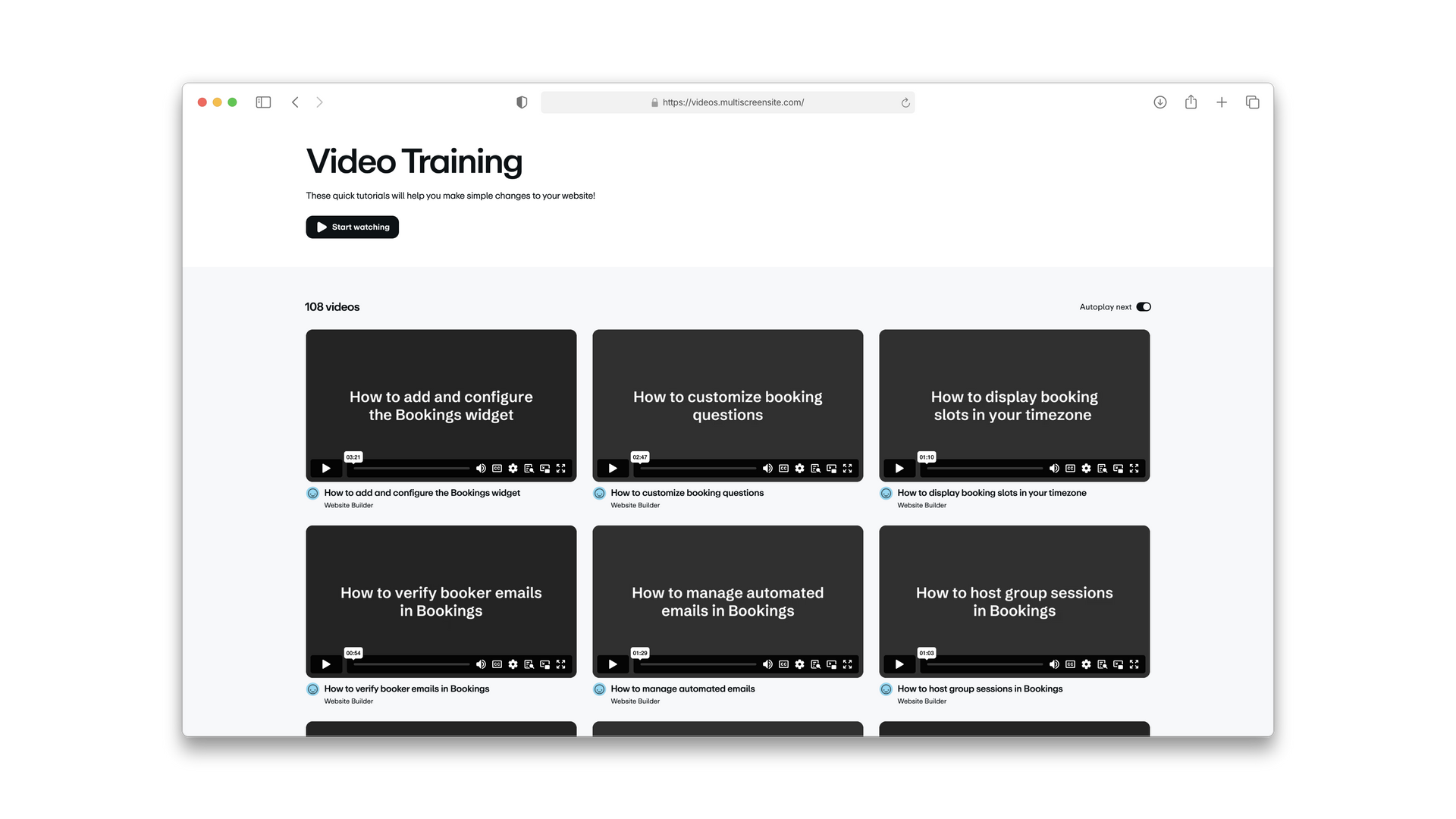
One long feed. No structure. If you need help with something specific, you're scrolling through everything to find it.
Why Building Your Own Is Much Better!
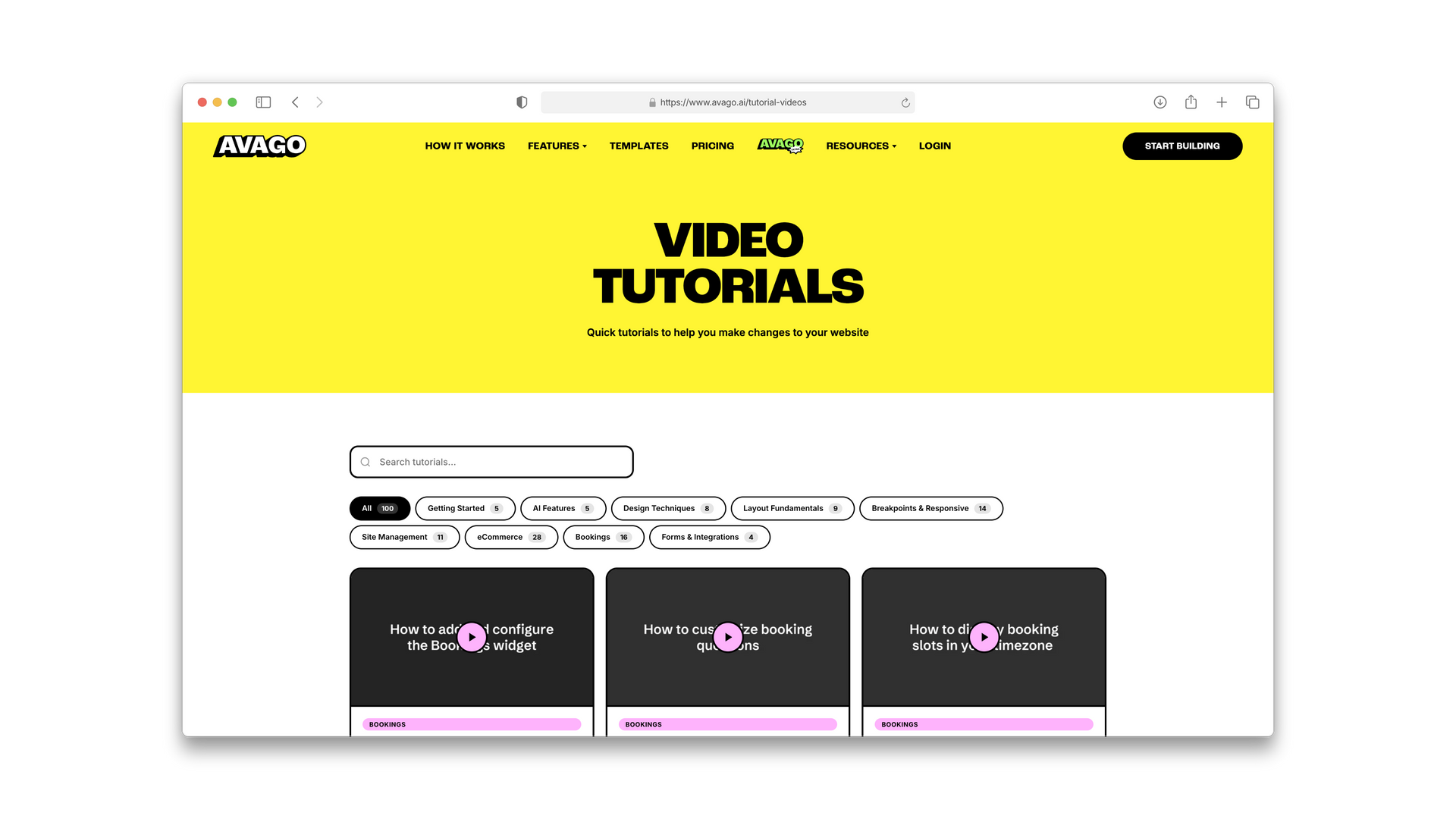
Example shows avago.ai/video-tutorials
A searchable, categorised training hub you can drop into any Duda site as an HTML widget. Live keyword search, colour-coded category filters, a responsive video grid, and a modal player with keyboard navigation. Thumbnails lazy-load and cache. It just works.
The videos are organised into clear categories:
- Getting Started
- AI Features
- Design Techniques
- Layout Fundamentals
- Breakpoints & Responsive
- Site Management
- eCommerce
- Bookings
- Forms & Integrations
Build Your Own With AI
The best bit - you don't need our design. Build your own version using Claude (our LLM of choice) and make it match your branding completely. The design is entirely up to you. Just tell Claude your colours, fonts, and style and it handles the rest.
We've put together a file with all the video URLs, titles, and categories. Copy the prompt below, paste it into Claude, and let it do the work.
Before You Start - Set Up Your MCP
This only works if you've connected the Duda MCP to Claude. If you haven't done that yet or aren't sure what that means, watch this first:
Once connected, paste the prompt, swap in your details, and you'll have a working training hub on your site in minutes — designed however you want.
The Prompt
I want you to build me a Duda training video hub. Here's a file with all of Duda's training videos including their URLs, titles, and categories: [LINK TO VIDEO DATA FILE]
Using the Duda MCP, please:
1. Create a collection on my Duda site called "Training_Videos" with fields for: Title (TEXT), Category (TEXT), Video_URL (LINK), and Thumbnail (IMAGE).
2. Populate the collection with all the videos from the file.
3. Then build me an HTML widget that connects to this collection and displays the videos in a searchable, filterable grid with category pills and a modal video player.
My Duda site ID is: [YOUR SITE ID]
My branding colours are: [YOUR COLOURS]
My preferred fonts are: [YOUR FONTS]
Design it to match my site's look and feel. Make it fully responsive across desktop, tablet, and mobile.
Adding More is Super Simple, Thanks to Collections
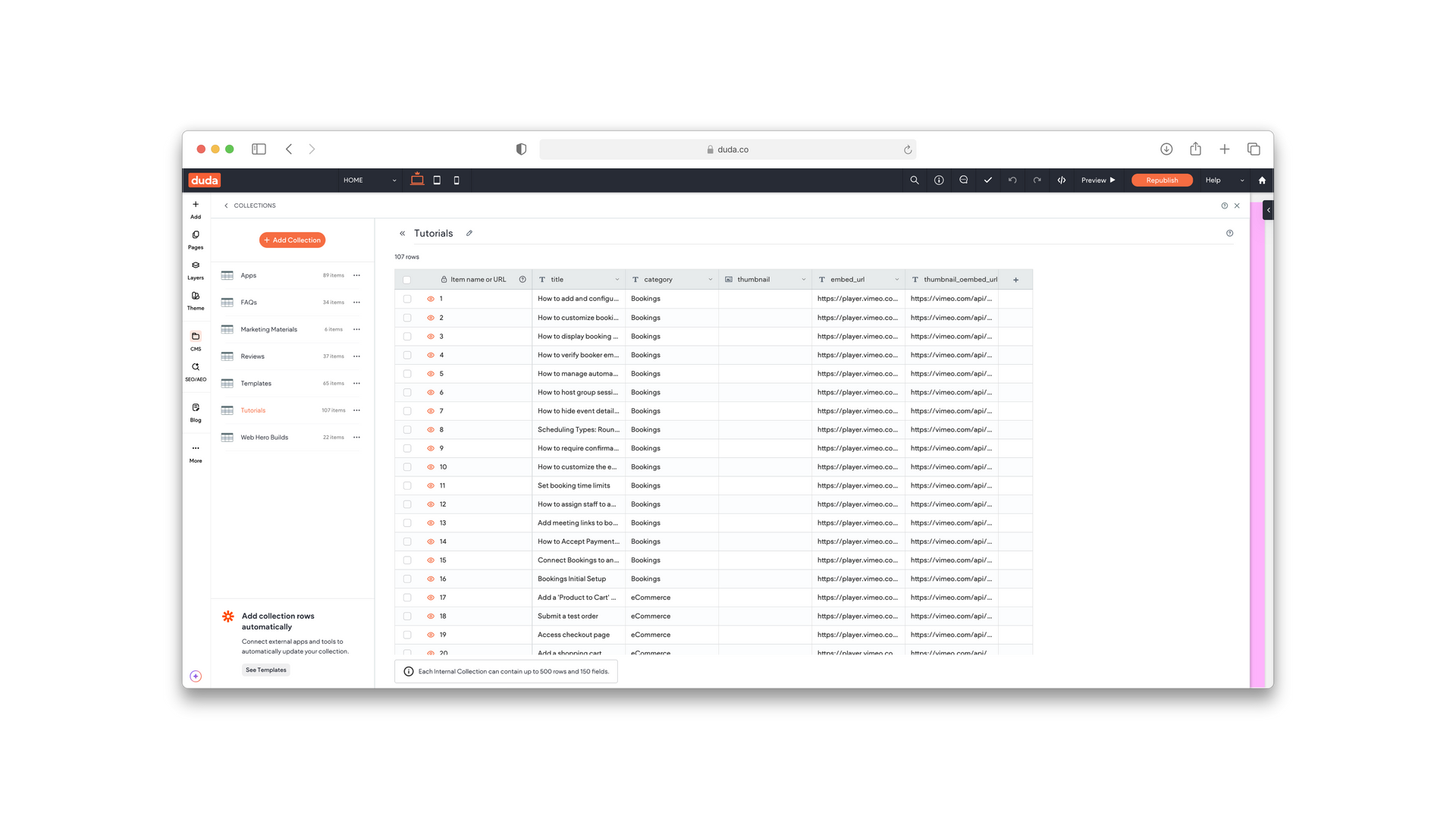
Adding and editing is super simple as the MCP has done the retrospective work and created a component that is linked to the collection. That means you can easily add new videos as they come or your own to the collection.
Join For Free
Become a member today on our free tier and get instant access to 5 custom components.
White label Duda development, from the team behind Agency Genius
WebHero now offers white label builds, custom widgets and more for Duda agencies. Your clients, our dev team.